Creating a new Faction (race)
Open the Factions tab in the Global Editor top menu -> RTS Global Editor and click the Create new button.
Note
You can also right-click in the Project Window and select Create -> RTS Starter Kit -> Faction Data to create a new Faction Data.
In a Faction Data asset, you can set up your faction’s parameters:
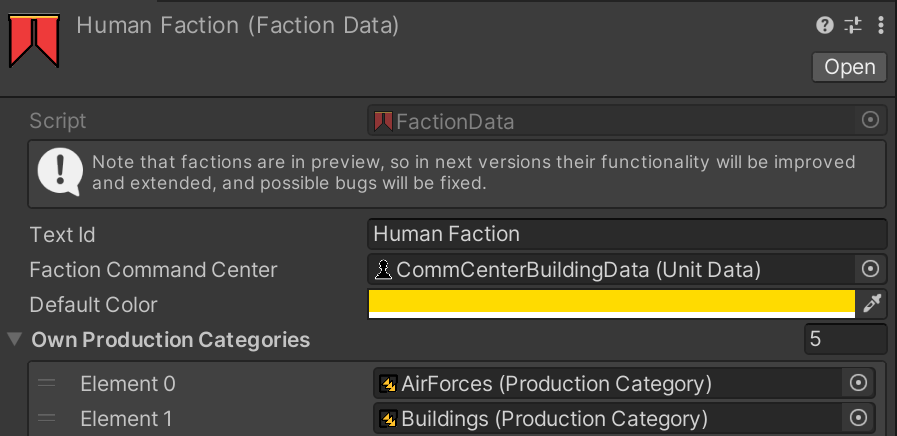
You set up its name and add the Unit Data asset of this faction’s Command Center building.
All data about available units and buildings is already set up in the Unit Data assets of this faction (command center production categories -> units of these categories -> etc.).
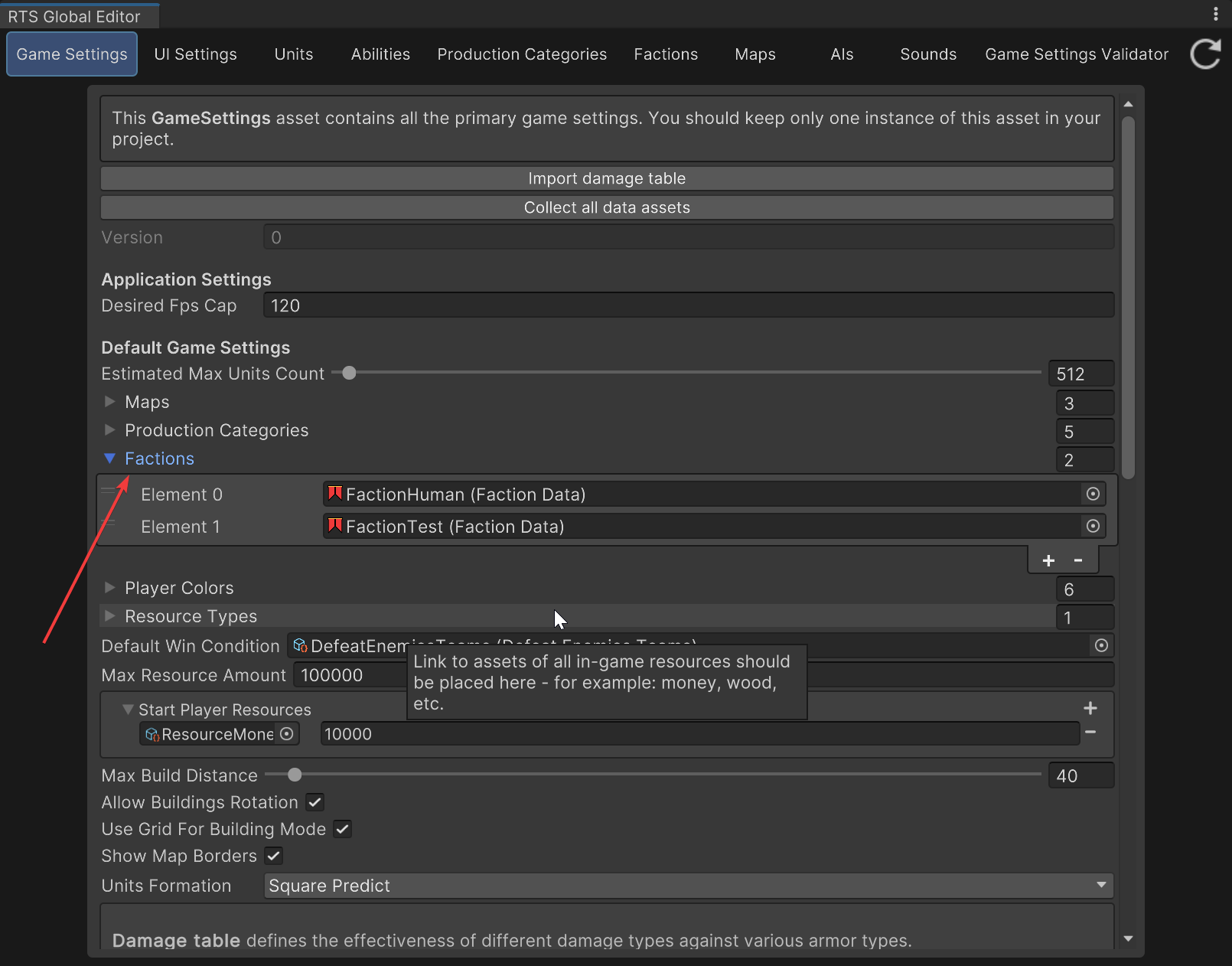
Finally, you need to add it to the GameSettings asset, into the Factions field: