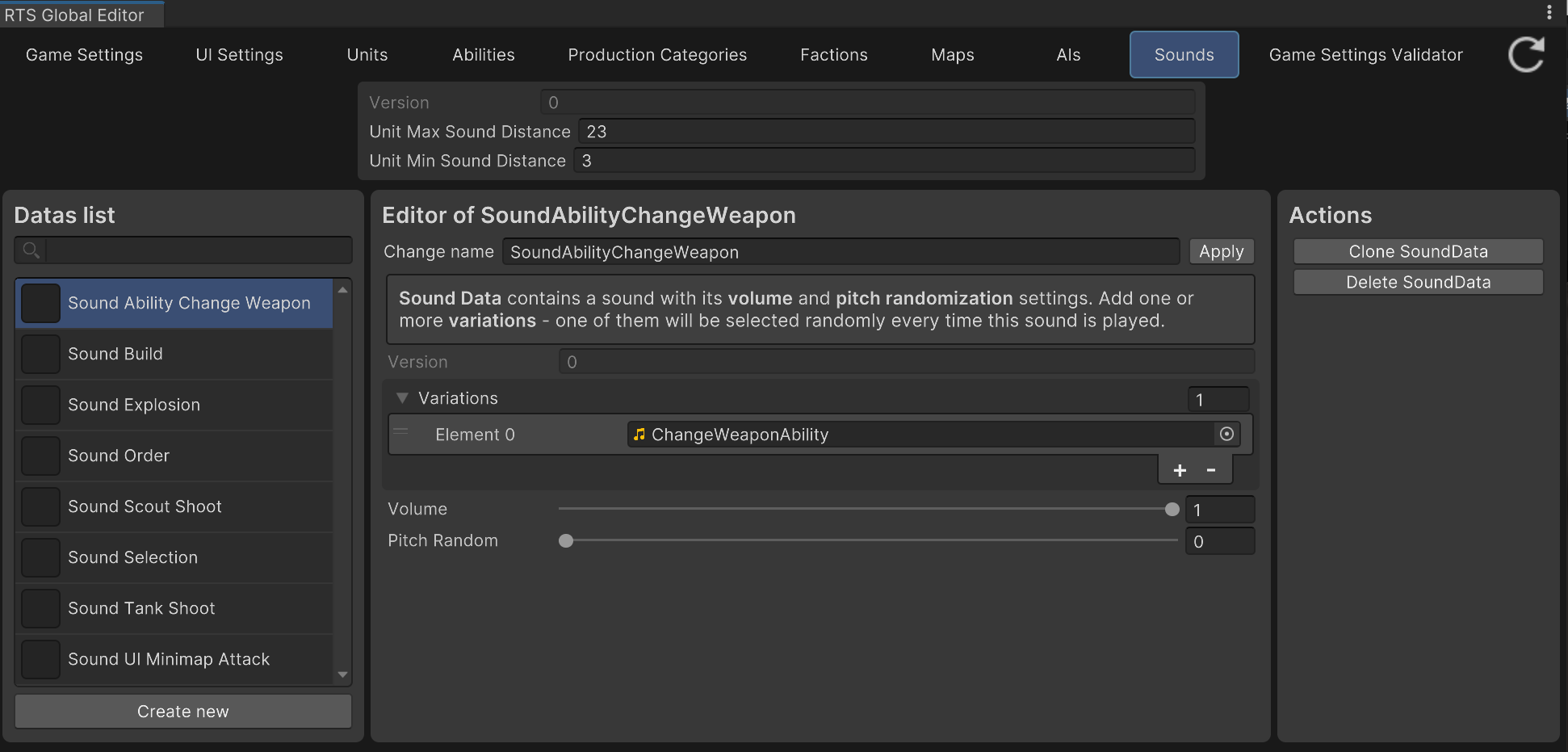
Sound Settings and Sounds tab in Global Editor
Sound Settings is a small settings asset (like GameSettings) which stores global audio tuning - currently just the minimum and maximum distance at which unit sounds are audible.
The example project already contains an example SoundSettings asset, linked in GameSettings’ Sound Settings field (you can create your own with Create -> RTS Starter Kit -> Sound Settings, and link it there instead, or edit the example one directly).
Individual sounds are plain SoundData assets (see the API Reference’s Storing partition) - each one holds one or more audio clip variations, played back with randomized pitch, and is referenced directly from wherever it’s needed (UnitData’s Effects, abilities, etc.).
The Sounds tab of the RTS Global Editor is a quicker way to browse, create, and edit all your project’s SoundData assets in one place (with the Sound Settings shown at the top for convenience) — you can open it from the top menu -> RTS Global Editor.