Customizing existing units
Open the Units tab in the Global Editor Top menu -> RTS Global Editor and select the wanted unit:
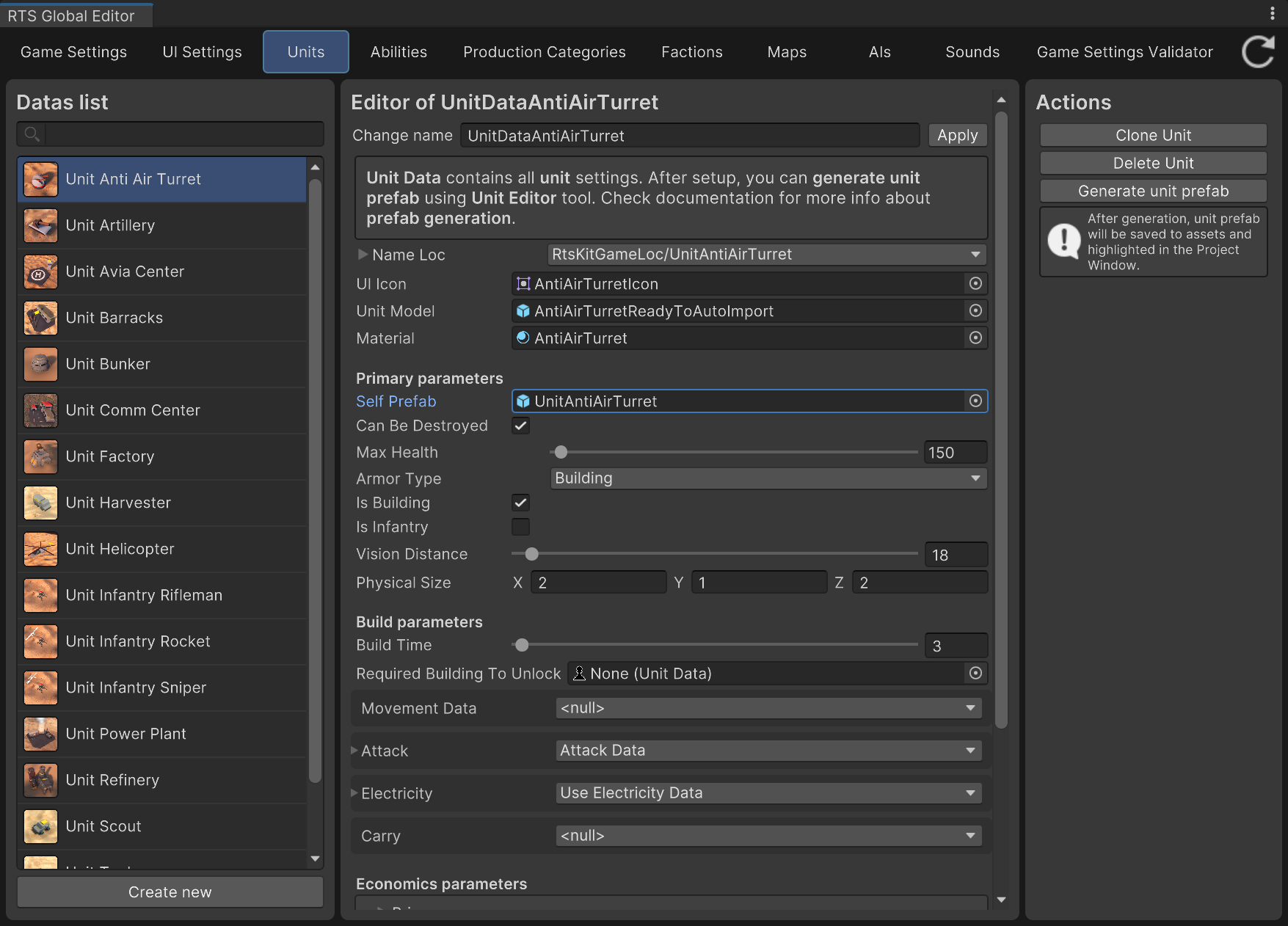
Units Editor
Now you can edit all unit settings. Note that all of this is stored in UnitData files in Resources/Data, and you can edit them there too, though it’s just not as comfortable.
All settings are easy to understand, some of them have help hints (you just need to move the cursor to the setting name and wait for the hint to appear) with additional info.
To create a new one, click the Create new button.
Note
You can also create a new Unit Data object. To do it, just right-click in the Project Window, and select Create -> RTS Starter Kit -> Unit Data from the context menu.
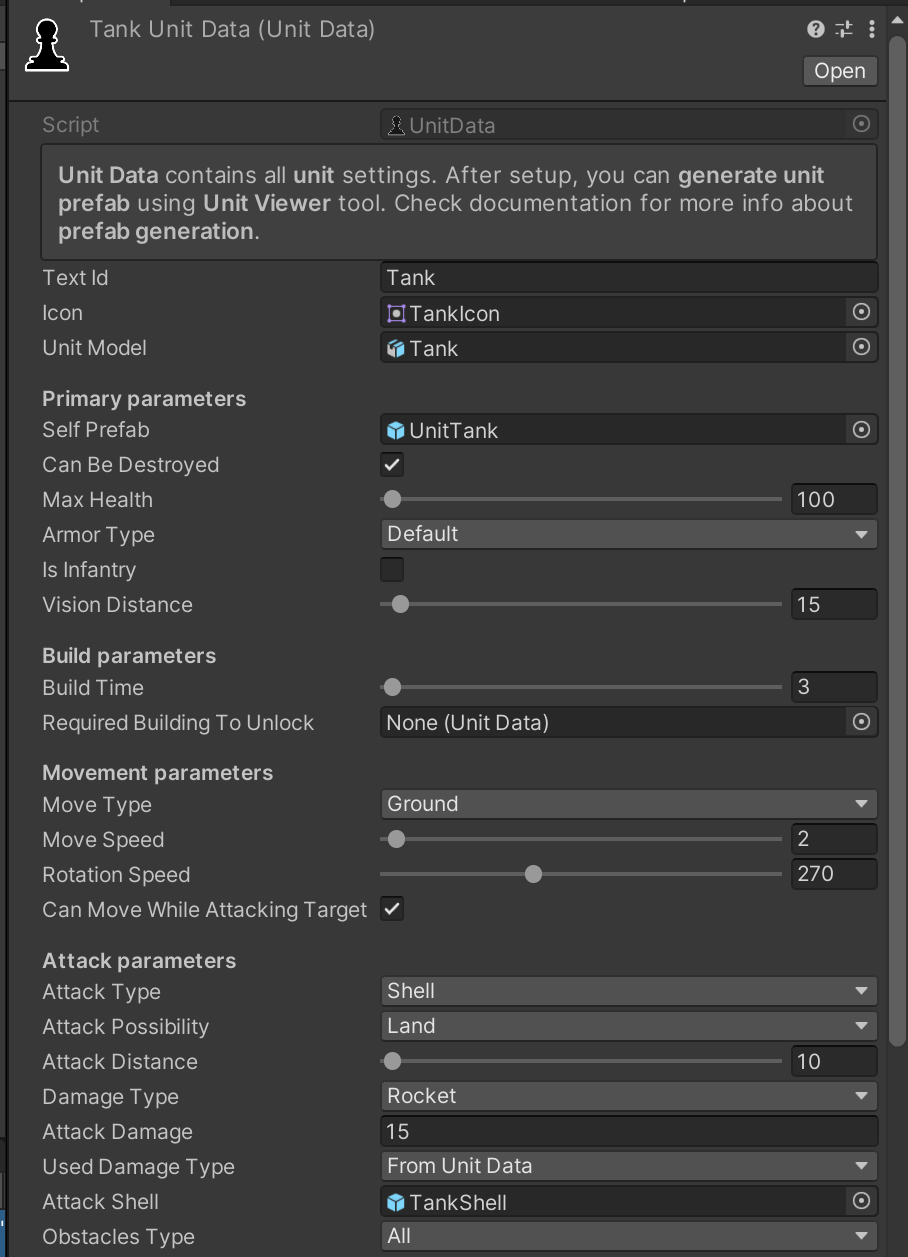
Selected unit data file settings example