Customizing game UI
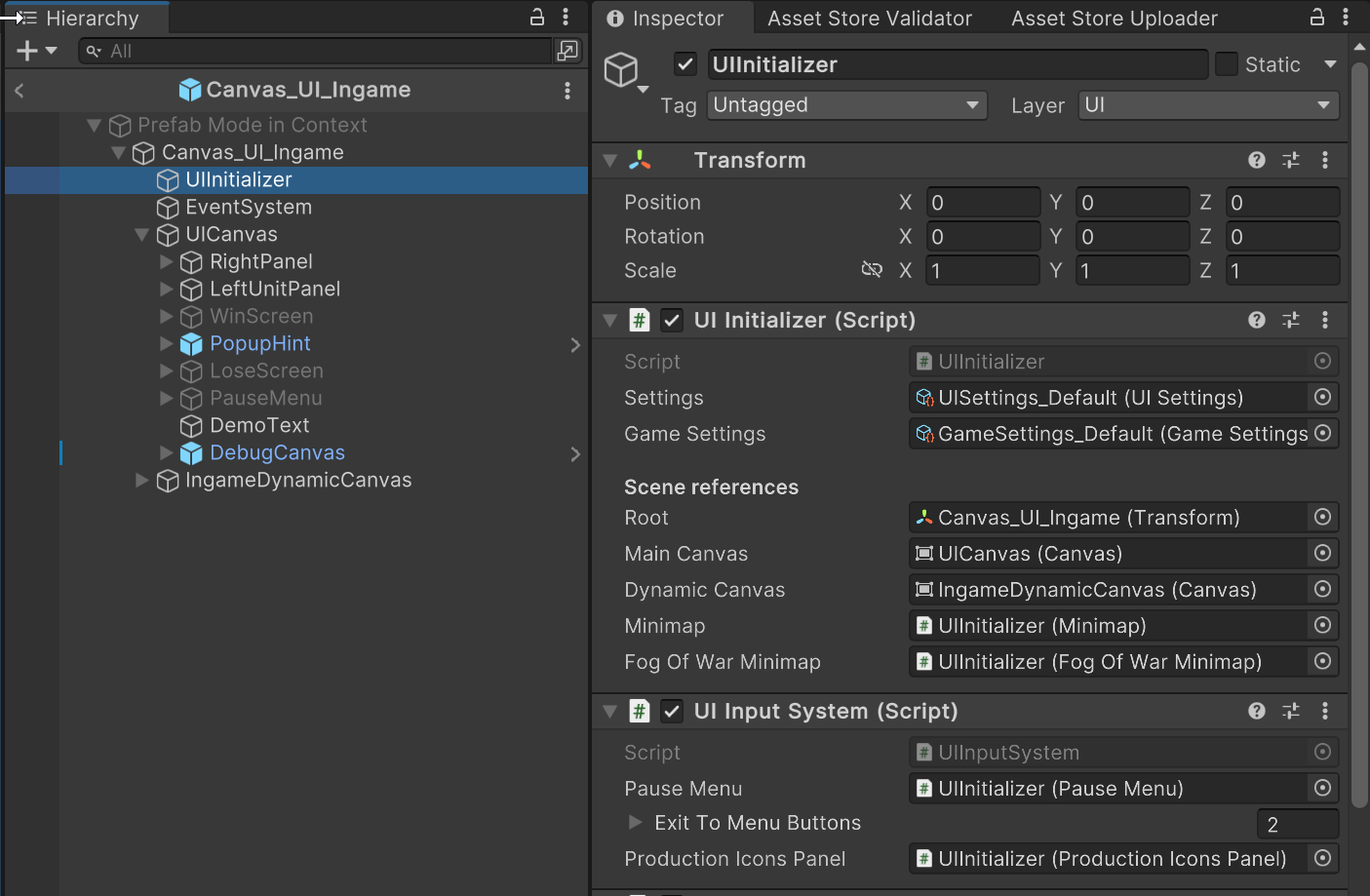
You can easily customize the game UI with your own images and colors — just open the Canvas_UI_Ingame in prefab editor, and change the UI Canvas child UI elements:
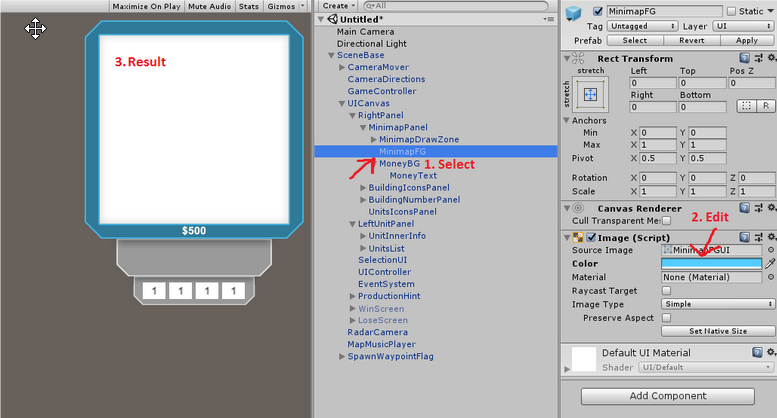
For example, I changed the color of one of the UI windows:
Don’t forget to save the prefab after your changes.
You can change the positions of elements, colors, images, sizes, etc. But since a lot of these elements work with code, don’t remove any of them from the prefab — it can cause errors.
If you need to remove something, try disabling it or consider editing the RTS Kit UI source code.