Creating a new Unit with a turret
Note
The UnitData’s Attack Data should be set to use Turret functionality.
If you have a unit, for example a tank, you, of course, want its turret to aim at targets. To set this up, you need to check the Has Turret toggle in the Unit Data, and set the Turret Rotation Speed greater than 0.
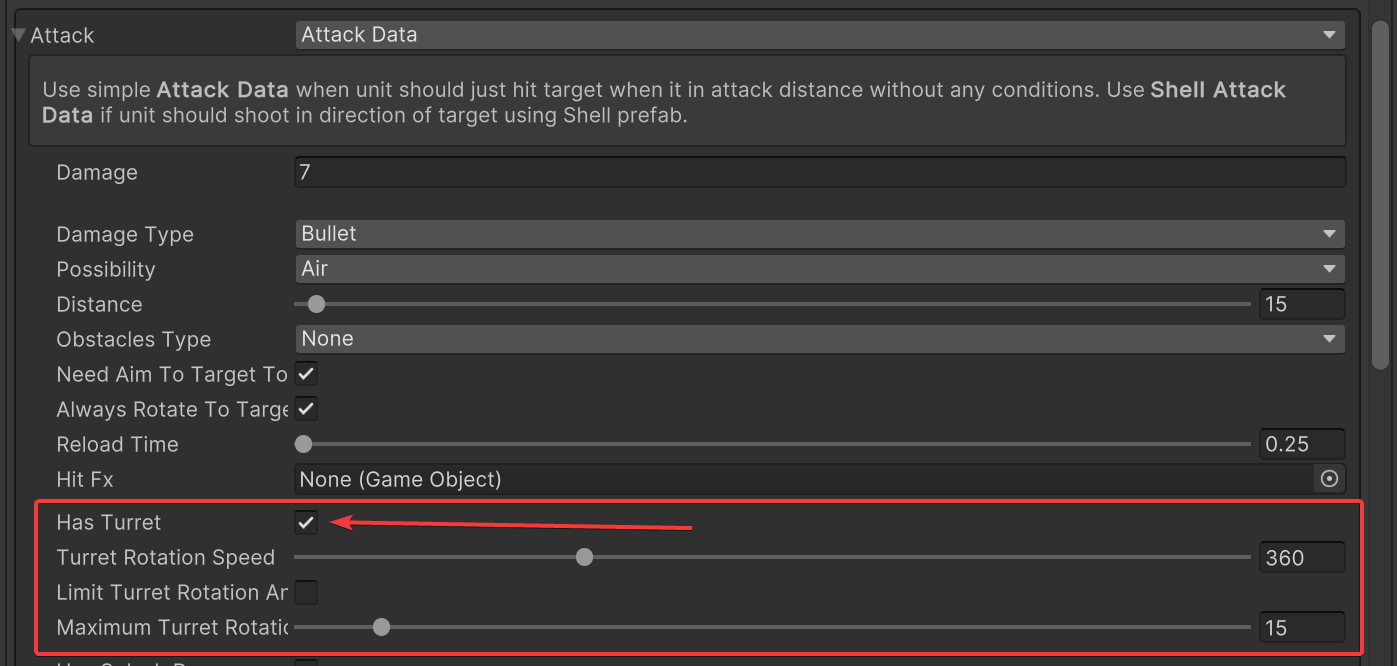
The next step is setting up the prefab. There is one important thing: the turret of your unit model should have a correct pivot. It should be aimed in the Z-axis direction, the same as Unity. How do you check it? Select the turret of your unit, select Pivot & Local at the top of the Unity window:
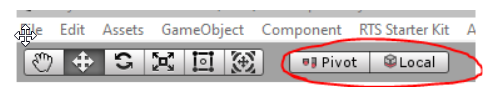
And check that the turret is aimed the same as the blue arrow:
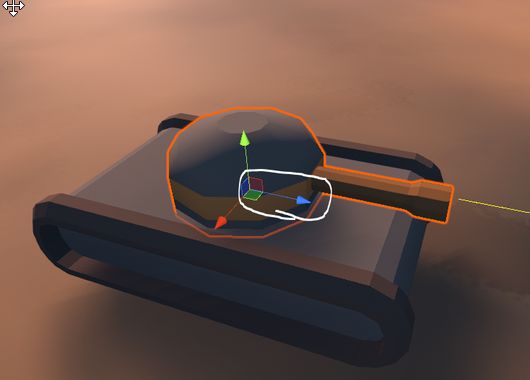
If it isn’t correct, you can fix it in any modelling application like Blender/3ds Max/Maya/etc.
The Turret module itself is added and set up automatically at runtime — you don’t need to add or configure any component for it. What matters is that your prefab’s turret bone is named with the rts_turret_ prefix (see Automatic Unit or Building setup), so the module can find it automatically.
That’s all — now the unit’s turret should work.