Setting up single player (campaign) map
By default, all map settings are designed for lobby-style matches (they can be used for skirmish or event multiplayer if you implement it). But if you’re making a single-player game with a campaign, of course you don’t need any lobbies.
So, you can check the Is This Map For Singleplayer toggle in Map Data, and your map will work as a singleplayer-only map. Also, you need to pre-configure this map’s player parameters in Map Data. My example looks like this:
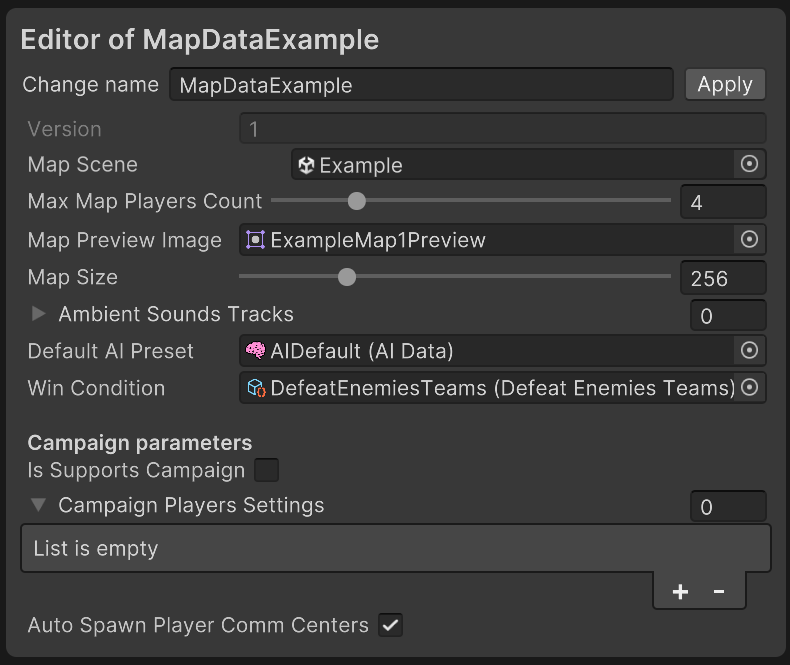
Finally, add a MapSceneSettings component to a GameObject in your map’s scene (not to the shared SceneBase prefab) and assign this MapData asset to its Map Data field, along with your project’s Game Settings asset to its Game Settings field. GameRunner reads both from this component on boot.